HOW TO
User Guidebook
Welcome to your one-stop-shop learning guide for HERBase HQ. Everything you need to know about how to make the most of HBHQ is here.
START HERE: Setup Architecture
READY TO LAUNCH
Building Your Backstage
Before sending your first email or uploading your first contact, let's ensure the basics are set up in HERBase HQ.
These three steps ensure you have the building blocks to help your business succeed!
STEP 01 // IDENTITY
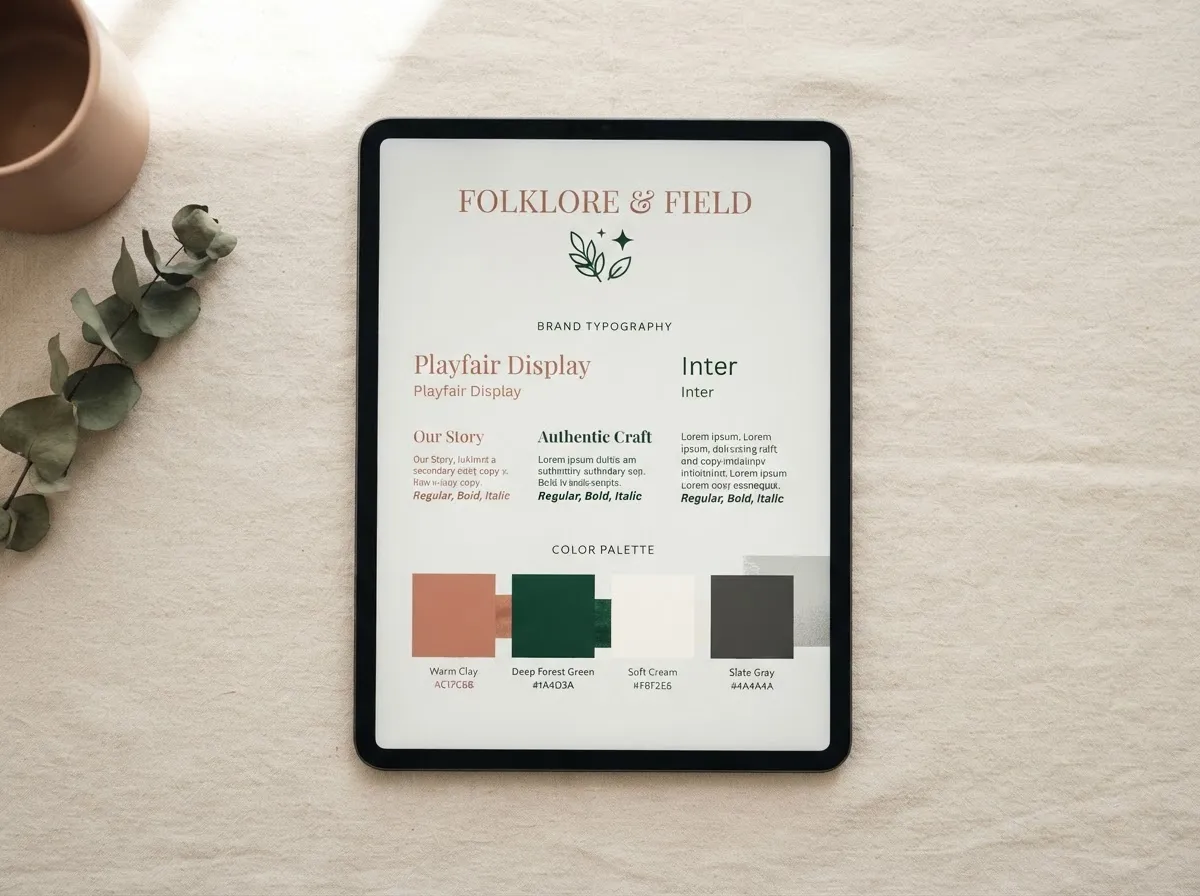
Company Profile & Brand Identity
Fill in your official business information once to populate every invoice, quote, email signature, receipt, and automated confirmation across HERBase HQ.
- Legal registered name, operational timezone, and currency defaults
- High-resolution vector mark and dark/light mode favicon assets
- Hex palette locking for consistent document generation and client portals
- Verified operational reply-to contacts and administrative address

STEP 02 // NETWORKING
Connecting Your Domain
This will ensure your emails send safely, your website connects correctly and all your links come from your own domain name.
Point A Records and CNAME routing to HERBase HQ secure edge servers
Automated zero-config SSL certificate provisioning with 256-bit encryption
Root domain to subdomain redirection rules (e.g., portal.yourbrand.com)
Subdomain isolation to keep public landing pages distinct from private portals
Use the link in your welcome email to book your free domain connection call. All you need is your login to your domain provider e.g godaddy or crazydomains.
STEP 03 // INFRASTRUCTURE
Email Servers & Deliverability
Shield your sender reputation before transmitting contracts or onboarding sequences. Full cryptographic authentication bypasses spam filters and guarantees primary inbox delivery.
- DKIM cryptographic key verification confirming sender authority
- SPF record configuration specifying authorized HERBase HQ sending IPs
- Strict DMARC policy setup to prevent domain spoofing and phishing abuse
- Dedicated sending subdomain architecture for clean transactional isolation

OPERATIONAL BLUEPRINT
Daily Operations Playbook
These are your 4 core areas to focus on daily
Module 01: Resource Tip
Upload your contacts
If you already have a data base or spreadsheet of clients, you can use the bulk upload function, if you are a brand new business, as clients enquire they will be added to your contacts automatically from your form settings.
Module 02: Contact Hygiene
Contact Tagging
We have done the hard work so you don't have to, your guide to how tagging works and which tags mean what is below.
Module 03: Broadcast Routine
Calls, SMS & Emails
Use our pre-made templates and simply change the wording and images to suit your client base.
Calls are simple - sign up for a number and then make your calls, you can even set up voicemail or auto-replies to clients.
SMS - use these as your reminders for job bookings, site visits and payment reminders.
Module 04: Automation Logic
Jobs & Enquiries
Link intake forms, payment completions, and calendar reservations to conditional 'If/Then' execution sequences. Auto-deliver private customer portal credentials and personalized welcome greetings without hands-on intervention.
Ready To go to the next level?
Your branding is set up, you feel confident with enquiries and jobs, and you even understand how calls and sms works! Now it's time to learn more about how automations are configured, and how you can step up your business operations. Click below to access the UPSKILL Portal.